
Motocross The Game Assists Guide: How to Turn the Help Down
How Motocross The Game assists work, what each system hides, and a step-by-step plan to reduce throttle, clutch and weight-transfer help without losing control.
Keep the assists on while you learn the track, then reduce one system at a time. Start with throttle assist, then clutch, then weight transfer. Turn an assist off only when you can complete a full session without it, and expect your lap times to rise for a few laps before they fall again.
Motocross The Game is a simulation, but it is not trying to lock newcomers out. The official description promises a full set of adjustable rider assists that let you learn weight transfer, throttle and clutch control at your own pace. The key word is adjustable. You are not choosing between "arcade" and "sim"; you are choosing how much of each system the game handles for you.
The mistake most riders make is leaving every assist on forever, or turning everything off on day one to prove a point. Both approaches cost you speed. The goal is to remove help only when you have built the skill it was replacing.
What assists actually do
An assist is a filter between your input and the bike. It can smooth a throttle input that would otherwise spin the rear, add clutch slip when the engine would bog, or move the rider's weight to keep the bike balanced. The bike still uses the same physics; the assist just changes what the physics receives.
That means assists are not "cheating". They are a learning scaffold. A rider with throttle assist can focus on line choice because the bike is not trying to loop out. A rider without it has to manage both at once.
The game's assist suite covers throttle, clutch, rider weight transfer and braking support. The exact names and ranges may change during Early Access; the principles will not.
Throttle assist: the first to reduce
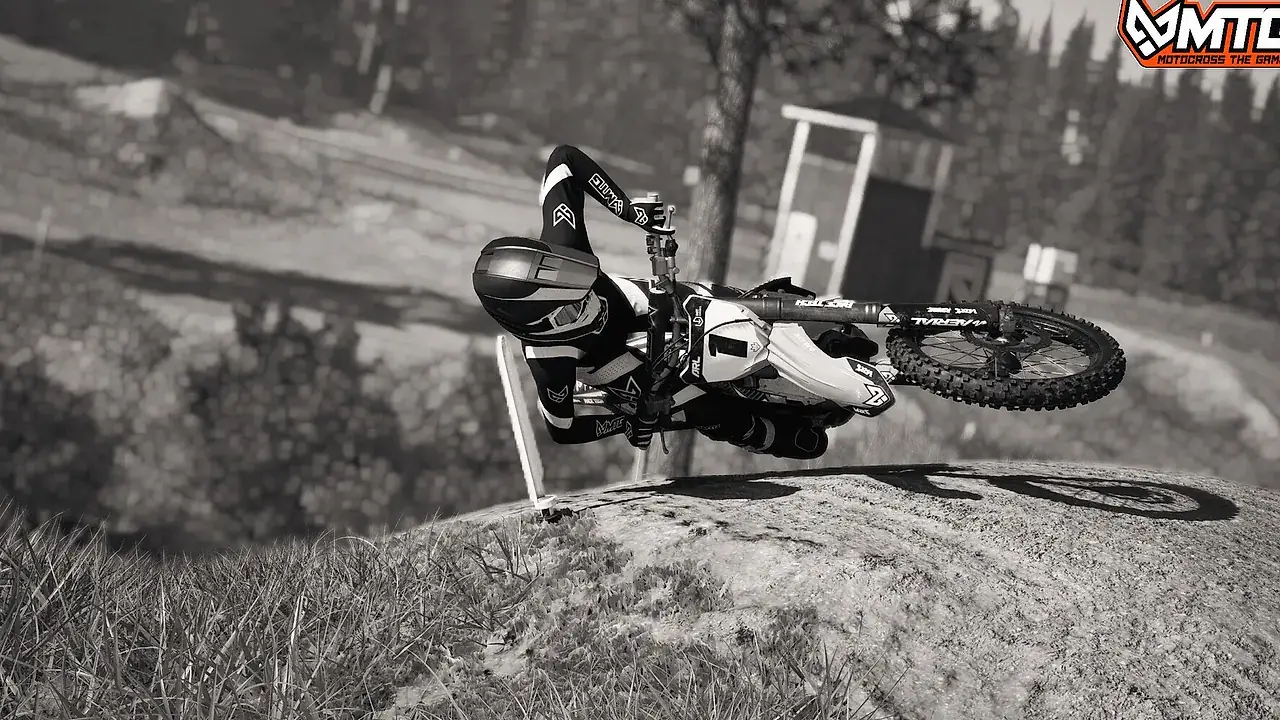
Throttle assist smooths the connection between the trigger and the rear wheel. At high settings, it prevents wheelspin and wheelies by limiting how much torque reaches the ground. At low settings, the bike responds more directly to your input.
Start by reducing throttle assist one step. Ride a track you know and pay attention to corner exit. If the rear starts spinning or the front lifts, you are feeling the extra torque. That is the skill you need to learn: feeding the throttle in as the bike stands up.
Do not reduce throttle assist and increase another assist to compensate. That just moves the help around. Reduce one system and let yourself feel the difference.
Clutch assist: the second step
Clutch assist handles some of the clutch work at starts and in slow corners. At high settings, it prevents stalls and makes it easier to get moving. At low settings, you have to release the clutch smoothly and use a little slip to keep the engine alive.
Reduce clutch assist after you are comfortable with throttle control. Practise starts in an open area before you take the lower assist into a race. The goal is to feel the moment the clutch engages and to learn how much slip the engine needs.
On a 250F, clutch control is more important because the bike relies on revs. On a 450F, the torque makes it easier to pull away but easier to spin the rear. Test both classes if you ride both.
Weight-transfer assist: the core skill
Weight-transfer assist moves the rider's body to keep the bike balanced. It is the assist that most directly hides the game's central mechanic. The bike and rider are separate physics bodies; if the game moves the rider for you, you are not learning how body position affects grip.
Reduce weight-transfer assist early, even if you keep throttle and clutch help on. Start with a track that has gentle corners and a clear rut. Brake earlier than usual, lean forward, and feel the front wheel load. Then shift back on exit and feel the rear drive.
This is the assist that will change your lap times the most once you learn to use it. A rider who moves their weight deliberately can carry more speed with less steering input.
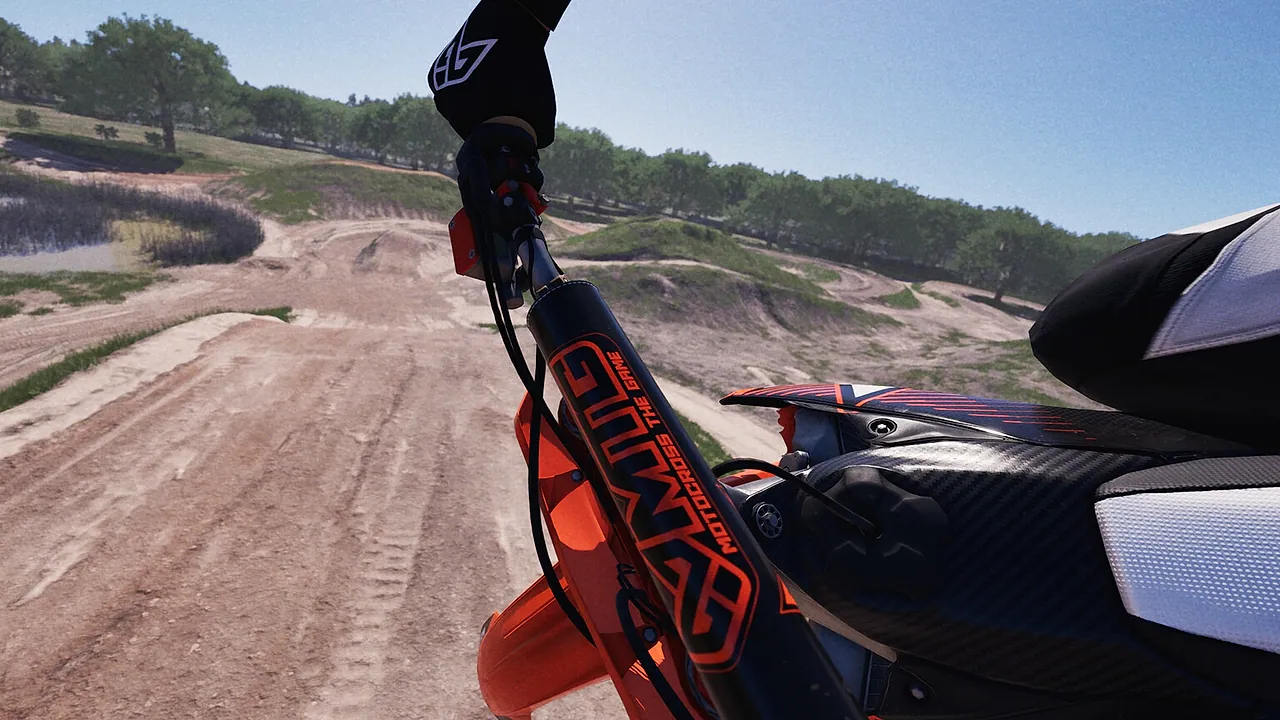
Braking support: the last to remove
Braking support can prevent lock-ups and help the bike stop in a straight line. It is useful while you learn braking points, but it can also mask late braking. Reduce it after you are comfortable with the track and the bike's brakes.
Practise braking in a straight line, then release the brake smoothly before turn-in. If you are relying on the assist to save a late brake, you are not learning the limit.
A four-week progression
| Week | Throttle | Clutch | Weight transfer | Braking |
|---|---|---|---|---|
| 1 | High | High | Medium | High |
| 2 | Medium | High | Medium | High |
| 3 | Medium | Medium | Low | Medium |
| 4 | Low | Medium | Low | Medium |
This is a guideline, not a schedule. Stay at a level until you can complete a session without a major mistake. If you are crashing every other lap, the assist is still doing useful work.
How to tell you are ready
You are ready to reduce an assist when:
- You can complete ten laps without a crash caused by that system.
- You know what the bike feels like when the assist intervenes.
- You can describe the mistake you made after a bad lap.
- Your lap times are consistent, even if they are not fast.
You are not ready when you are still learning the track, the controls or the bike. Keep the help on and focus on one skill at a time.
Do not change an assist and immediately judge it on one lap. Give yourself a session to adapt. The first few laps will feel worse; that is the learning curve, not a verdict.
Assists and online racing
Assists are allowed in online racing. The game does not split lobbies by assist level as far as the official information shows. That means a rider with assists can race a rider without them, and the Dual Rating System will sort out the results over time.
If you are new to online racing, keep the assists on for your first races. It is better to finish cleanly and learn traffic than to crash because you turned everything off too early. Reduce the help in practice, then bring the lower setting into a race when you are comfortable.
Assists and time attack
Time attack is the best place to test a lower assist setting because there is no traffic and every lap is timed. Set a baseline with your current assists, then reduce one step and compare. If your average lap gets worse but your best lap improves, you are on the right track; keep practising.
Do not use time attack to prove that no assists are faster. Use it to learn what each assist was doing.
Common mistakes
Turning everything off at once. You lose the ability to attribute the change and you spend the session surviving instead of learning.
Leaving weight-transfer assist on forever. It hides the core mechanic and caps your corner speed.
Reducing assists on an unfamiliar track. Learn the track first, then reduce the help.
Judging a change on one lap. Give yourself a session to adapt.
Assuming assists are only for beginners. Even fast riders use some help in specific situations. The goal is deliberate choice, not purity.
For the next step, the controls guide→ covers the related inputs in more detail.
FAQ
Can I change assists during a race? Check the pause or settings menu in the current build. Even if you can, avoid changing assists mid-race; test changes in practice or time attack.
Do assists affect my lap time on the leaderboard? They affect how the bike behaves, so they affect your lap time. The leaderboard does not separate assist levels.
Which assist should I turn off first? Throttle assist, then clutch, then weight transfer. Braking support last. Weight transfer is the most important skill, but it is easier to learn after you have basic throttle control.
Are assists available on both bikes? Yes. The assist suite applies to both the 250F and 450F, though the amount of help you need may differ.
Sources
Official source: Steam store description and official about page, checked November 10, 2026. Assist names and ranges may change during Early Access.